The 8 SQL Queries I Use in Almost Every Analysis
The core SQL queries for data analysis — filtering, grouping, joins, window functions, and CTEs — explained with beginner-friendly examples you can reuse.
When I started learning SQL, I assumed I’d need to memorize a huge vocabulary of commands. In practice, most of the analysis I do comes down to the same handful of patterns, reused in different combinations. If you’re comfortable with these eight, you can answer a surprising share of the questions a business actually asks.
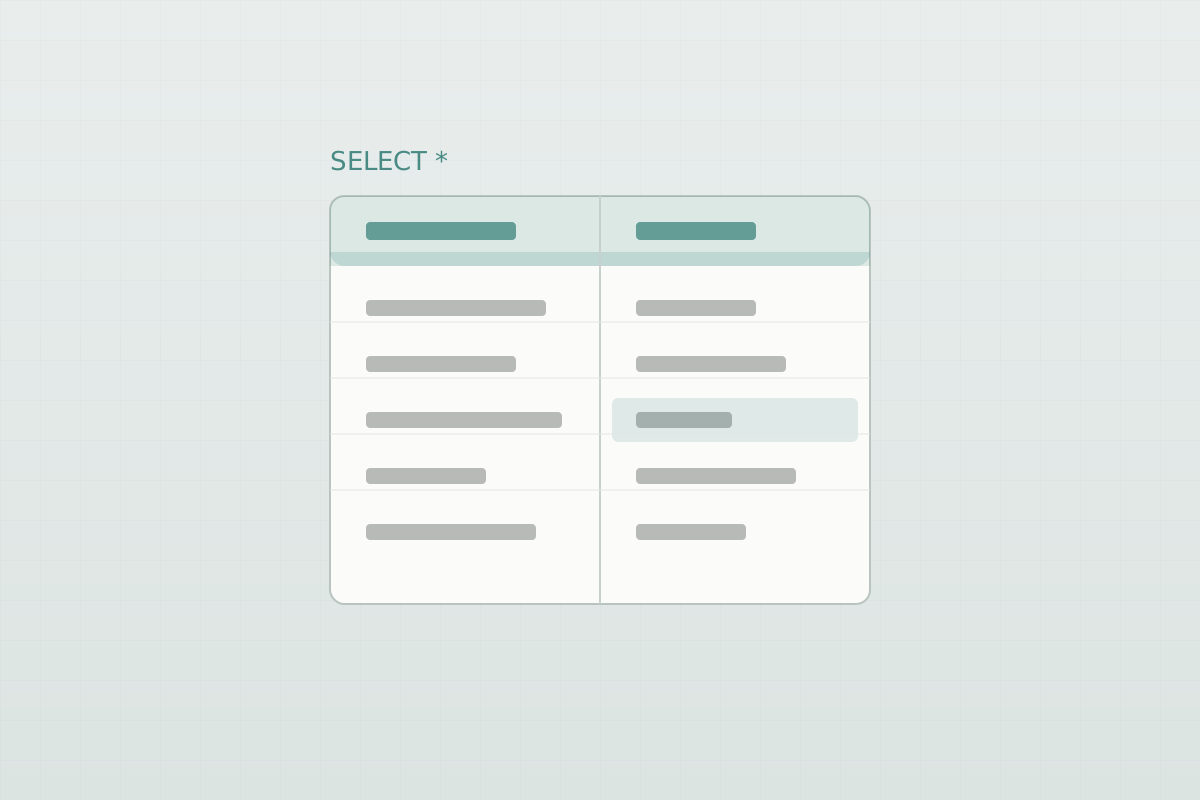
All the examples below use a made-up orders table so nothing here depends on private data. Picture something like this:
| order_id | customer_id | order_date | amount | status |
|---|---|---|---|---|
| 1001 | 42 | 2026-01-05 | 120.00 | completed |
| 1002 | 42 | 2026-01-18 | 55.00 | refunded |
| 1003 | 87 | 2026-02-02 | 240.00 | completed |
1. Filtering with WHERE
The starting point for almost everything: narrow the rows down to what you care about.
SELECT order_id, amount
FROM orders
WHERE status = 'completed'
  AND order_date >= '2026-01-01';
Most mistakes I made early on came from forgetting a filter — for example, including refunded orders in a revenue number. When a total looks too high, the first thing I check is my WHERE clause.
2. Counting and grouping
“How many orders per customer?” is a GROUP BY question.
SELECT customer_id, COUNT(*) AS order_count
FROM orders
GROUP BY customer_id;
Any column you SELECT alongside an aggregate has to appear in the GROUP BY. Once that clicked for me, grouping stopped feeling mysterious.
3. Aggregating values
COUNT is just one option. SUM, AVG, MIN, and MAX answer most “how much / how big” questions.
SELECT customer_id,
       SUM(amount)  AS total_spent,
       AVG(amount)  AS avg_order_value
FROM orders
WHERE status = 'completed'
GROUP BY customer_id;
4. Filtering after aggregating with HAVING
WHERE filters rows before grouping; HAVING filters the groups afterward. This trips up a lot of beginners (it did me).
SELECT customer_id, SUM(amount) AS total_spent
FROM orders
WHERE status = 'completed'
GROUP BY customer_id
HAVING SUM(amount) > 200;
That returns only customers who have spent more than $200 — something WHERE can’t do, because the total doesn’t exist until after grouping.
5. Joining tables
Real data lives in more than one table. A JOIN stitches them together on a shared key.
SELECT o.order_id, o.amount, c.country
FROM orders AS o
JOIN customers AS c
  ON o.customer_id = c.customer_id;
My rule of thumb: start with an INNER JOIN (only matching rows), and switch to a LEFT JOIN when I want to keep every row from the first table even if there’s no match — for example, customers who haven’t ordered yet.
6. Bucketing values with CASE
CASE is SQL’s version of if/else. I use it constantly to turn raw numbers into readable categories.
SELECT order_id,
       CASE
         WHEN amount < 50  THEN 'small'
         WHEN amount < 150 THEN 'medium'
         ELSE 'large'
       END AS order_size
FROM orders;
This is also how you build things like a segment column before charting.
7. Working with dates
Almost every business question has a time dimension — “this month vs last,” “orders per week.” Date functions vary by database, but the idea is the same: truncate a date down to the period you want, then group by it.
-- PostgreSQL syntax
SELECT DATE_TRUNC('month', order_date) AS month,
       SUM(amount) AS revenue
FROM orders
WHERE status = 'completed'
GROUP BY DATE_TRUNC('month', order_date)
ORDER BY month;
That gives you a clean monthly revenue trend, ready to drop into a chart or a Power BI dashboard.
8. Window functions
This is the one that felt like a superpower once it clicked. A window function runs a calculation across a set of rows without collapsing them into one, the way GROUP BY does.
A common use is keeping only the most recent order per customer:
SELECT *
FROM (
  SELECT o.*,
         ROW_NUMBER() OVER (
           PARTITION BY customer_id
           ORDER BY order_date DESC
         ) AS rn
  FROM orders AS o
) ranked
WHERE rn = 1;
PARTITION BY is like GROUP BY, but the original rows survive — so you can rank, number, or compare within each group and still see the detail.
A tip that made everything more readable: CTEs
As queries grow, nesting subqueries gets hard to follow. A common table expression (WITH) lets you name a step and build on it, top to bottom:
WITH completed AS (
  SELECT * FROM orders WHERE status = 'completed'
),
by_customer AS (
  SELECT customer_id, SUM(amount) AS total_spent
  FROM completed
  GROUP BY customer_id
)
SELECT * FROM by_customer
WHERE total_spent > 200;
Same result as the HAVING example earlier, but each step is named and easy to read. I reach for CTEs whenever a query stops fitting in my head.
Wrapping up
None of these are advanced on their own. What makes them powerful is combining them — a filter, a join, a grouped aggregate, and a window function is enough to answer a genuinely useful business question. If you’re learning SQL, I’d focus on getting comfortable with these eight before worrying about anything fancier.